

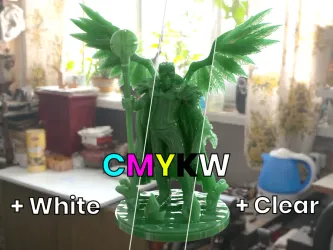

Step-by-step instructions for precisely mixing CMYKW resin kits and previewing the resulting color and translucency on your model.
Mix any color from CMYKW resins
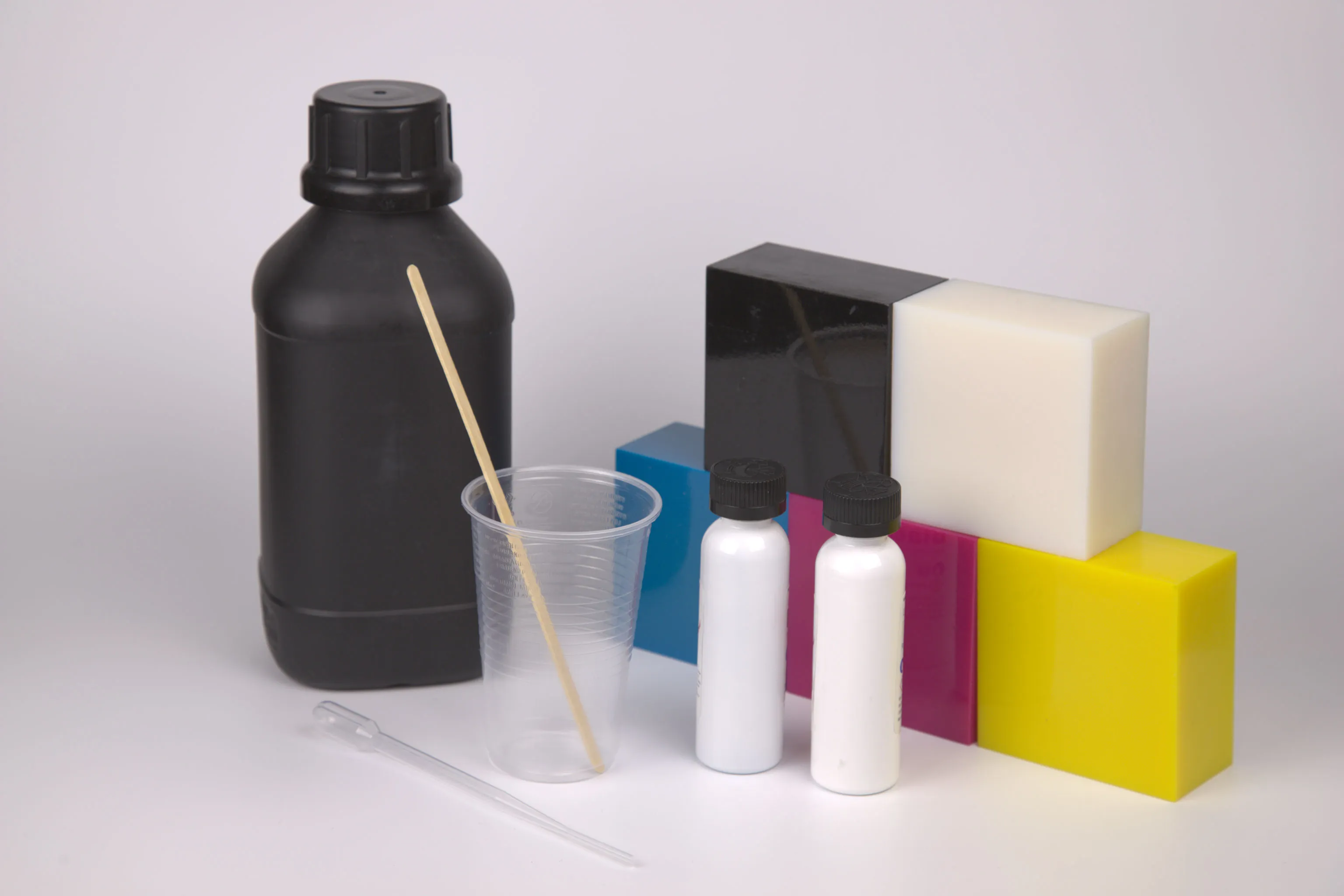
If you can't find your resin in a suitable color, you can mix your own color from five basic resins: Cyan, Magenta, Yellow, Black and White (CMYKW). This tool provides the exact mixing ratios in order to achieve the desired color on the first try!
Step-by-step instructions for precisely mixing CMYKW resin kits and previewing the resulting color and translucency on your model.
When mixing up resins by volume, you need to know upfront the total amount you will end up needing.
Fortunately your printer’s slicer software will tell you how much resin one tray will consume. For example in PrismSlicer, you can see the consumption estimate in the Slicing tab on the bottom right.
Every printer also has a minimum amount that it requires to be in the vat at all times. That is why it is a good idea to add ~50ml to your slicer’s estimate in order to keep the bottom of the reservoir covered even at the end of the printing process.
Ideally, you mix up a larger batch once, and print multiple times from it. This way, you can ensure that all parts come out in the same color.
Storing the pre-mixed resins is possible in any old resin bottle, HDPE plastic container or dark glass bottles. Make sure that no UV light (for example from the Sun) can get to the resins and cure it inside the container.
Reproducibility can be an issue when creating custom resin mixtures. When using resin kits that rely on small pigment bottles and a base resin, it can be difficult to re-create the same shade again because the pigments are highly concentrated and dosing them is difficult.
With pre-mixed resin kits that provide a full bottle of each resin, it is easier to achieve the exact same color again. Because the base colors are measured by volume in quantities that are manageable with syringes and measuring cups, dosage is simpler and thus precision is higher.
We recommend you take a screenshot of the exact volume amounts for each base resin that you mixed together and archive it for later.
In simple terms, we have gathered how each resin reacts when light is shining on it, which allows us to also predict how any mixtures of them will look like.
In Physics terms, we have measured the optical properties that allow us to simulate light transport inside the cured polymers. Based on spectral measurements in our optical laboratory, we can simulate any resin combination under any light source.
This application assumes a 5 mm slab of material lying on a white piece of paper, illuminated by D65 (natural daylight). Using PrismSlicer, you can also control the thickness of the simulated slab, create custom resin sets, change the illumination, and even visualize 3D geometry!
PrismSlicer has an extensive preview feature that lets you load your 3D geometry and visualize it as if it was 3D printed. This works both for single-material printing processes like SLA or DLP but also for full-color 3D printing.
You can choose from different lighting environments and see how it affects the perceived color of your mixed resin. This way you can quickly experiment with color mixing, without having to waste precious resins. This tutorial outlines this workflow in combination with the online Color Picker.